> For the complete documentation index, see [llms.txt](https://brc-20-dex.gitbook.io/brc-20dex/llms.txt). Markdown versions of documentation pages are available by appending `.md` to page URLs; this page is available as [Markdown](https://brc-20-dex.gitbook.io/brc-20dex/get-started-on-brc-20-dex/get-started-on-brc-20-dex.md).
# Get Started on BRC-20 DEX
### Obtain BTC and BRC-20 Tokens Wallet
To get started with BRC-20 tokens on the Bitcoin blockchain, create a [**UniSat Wallet**](https://unisat.io/) This wallet is secure, and designed to be compatible with BRC-20 tokens.
[**Install UniSat Wallet on your Browser**](https://unisat.io/download)
### Acquire BTC on your UniSat Wallet
Acquire Bitcoin (BTC) for BRC-20 tokens on the Bitcoin blockchain through these methods:
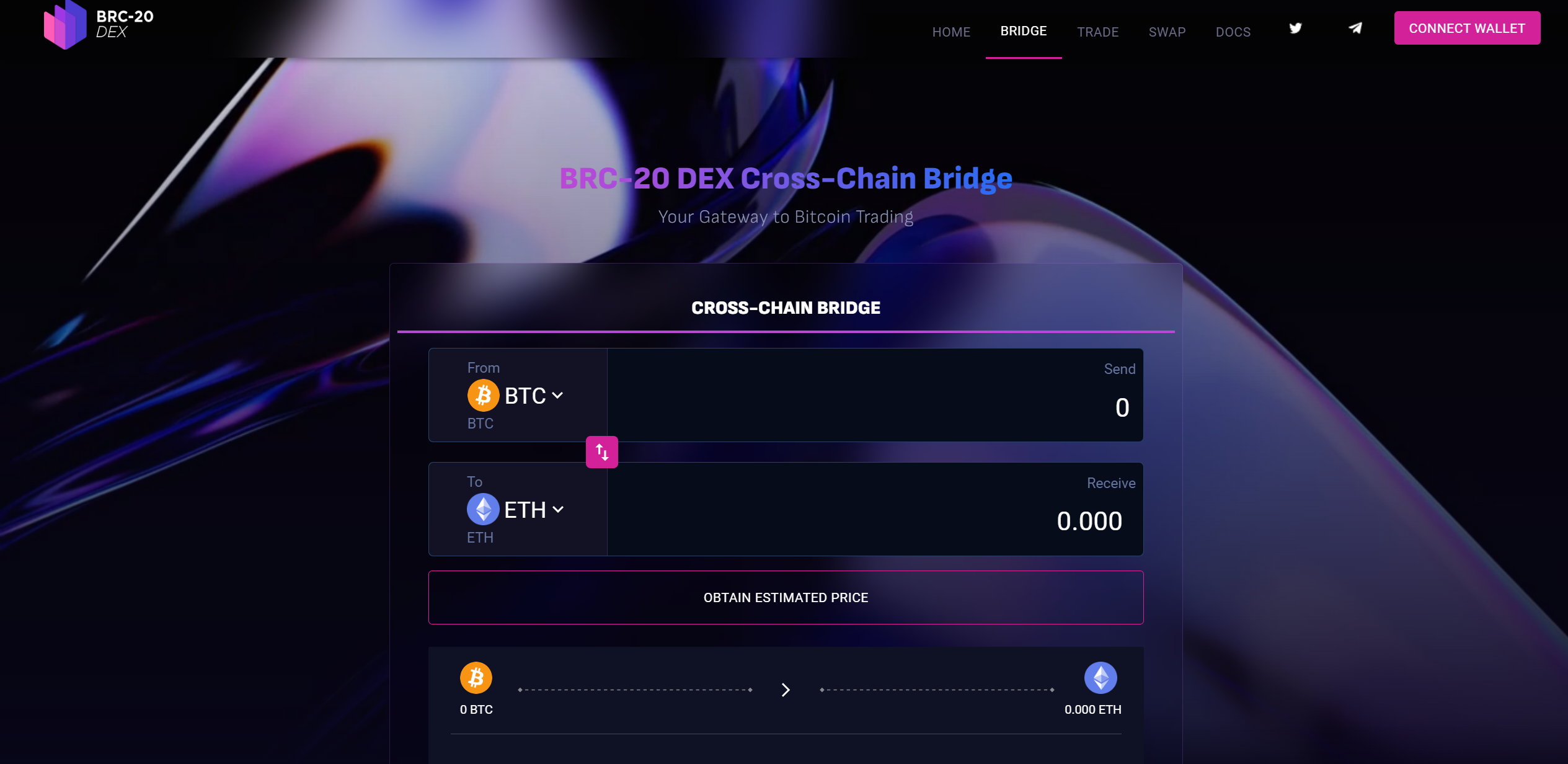
* **First Way: Using BRC-20 DEX Cross-Chain Bridge (Already Live)**
1. **Connect Your Wallet**: Begin by connecting your[ **Metamask Wallet**](https://metamask.io/) to the BRC-20 DEX platform.
2. **Select Source and Destination Blockchains**: Choose from available blockchains like ETH, MATIC, and BNB as your source, and select Bitcoin (BTC) as your destination blockchain. (You can select ORDI and PEPE BRC20 as well)
3. **Input the Amount to Bridge**: Specify the amount you want to convert to BTC. (if you opt for ORDI, PEPE, or any other BRC-20 token, there is a minimum amount requirement for bridging, which is set at 1 token)
4. **Approve Transaction**: Review and approve the transaction on your digital wallet.
5. **Confirm Transactions**: Confirm the bridging transaction on the DEX platform.
6. **Receive BTC in Your UniSat Wallet**: Once the transaction is successful, the BTC will be deposited into your UniSat wallet.
* **Second Way: Acquire Bitcoin (BTC) via Centralized Exchanges (CEX)**
1. **Purchase BTC**: Buy Bitcoin on cryptocurrency exchanges such as [ByBit](https://www.bybit.com/), [Kucoin](https://www.kucoin.com/), or [Binance.](https://binance.com/) You can use fiat currency, credit cards, bank transfers, or other cryptocurrencies for the purchase.
2. **Transfer BTC to Your UniSat Wallet**: After acquiring BTC, transfer it from the exchange to your UniSat wallet for secure storage and use in transactions involving BRC-20 tokens.
### Trade on BRC-20 DEX
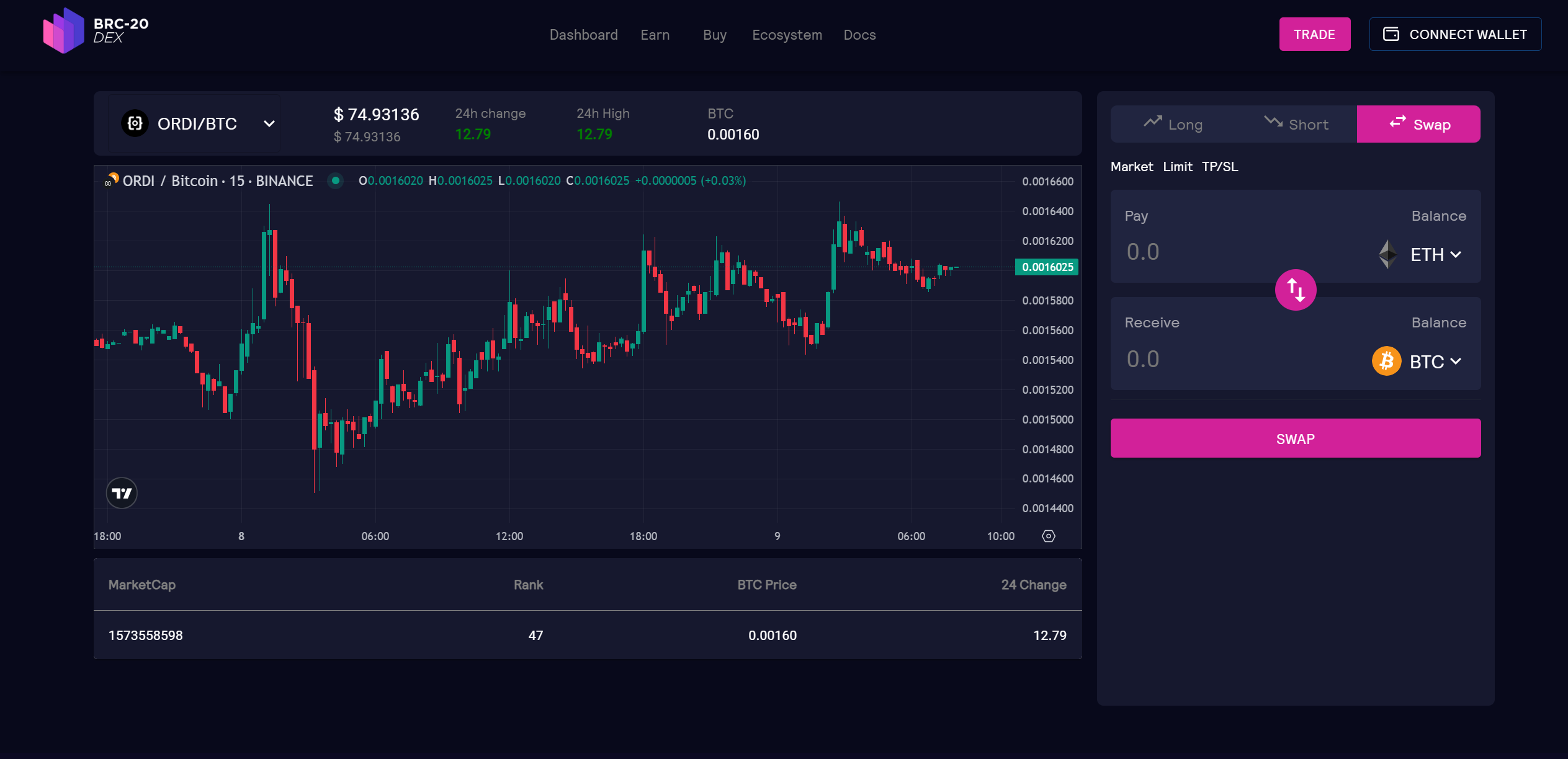
Once the[ **DEX**](https://www.brc20-exchange.site/) is live, you'll be able to trade selected BRC-20 tokens on [**BRC-20 DEX**](https://www.brc20-exchange.site/), and up to 5x margin trading.
In the **BRC-20 DEX Spot Wallet Trading**, users have the flexibility to store a variety of tokens. This includes not only BRC-20 tokens and BTC but also tokens from various other blockchain networks, providing a versatile storage solution for diverse cryptocurrency assets.
Stay tuned on our social channels for DEX and project updates.
> [*https://www.brc-20dex.io/*](https://www.brc-20dex.io/)
>
> [*https://t.me/brc\_20dex*](https://t.me/brc_20dex)
>
> [*https://t.me/brc20dexannouncement*](https://t.me/brc20dexannouncement)
>
> [*https://twitter.com/Brc\_20dex*](https://twitter.com/Brc_20dex)
### Useful BRC-20 Related Websites
* **UniSat Wallet**\
* **Ordinals Marketplace**\
* **BRC-20 Tokens Chart**\
* **Top BRC-20 Tokens by Market Capitalization**\